
Are NTAG215 Tags Compatible with iPhone for Amiibo Use?
A question that comes up constantly in the Nintendo community is: are NTAG215 tags compatible with iPhone for Amiibo use? The direct answer is that the NTAG215 chip itself is fully compatible with the iPhone’s NFC hardware, because every iPhone from the 7 onward contains an NFC reader that supports ISO 14443 Type A tags, which is exactly the standard the NTAG215 uses. However, the practical answer to are NTAG215 tags compatible with iPhone for Amiibo use is more nuanced, because Apple restricts how apps can write to NFC tags, and the official Nintendo Amiibo ecosystem does not let you scan or write Amiibo data through a standard iPhone app. In this guide we explain the hardware reality, the iOS software limits, the workarounds that actually work, and how to build a reliable Amiibo setup with NTAG215 tags whether you use an iPhone or not.
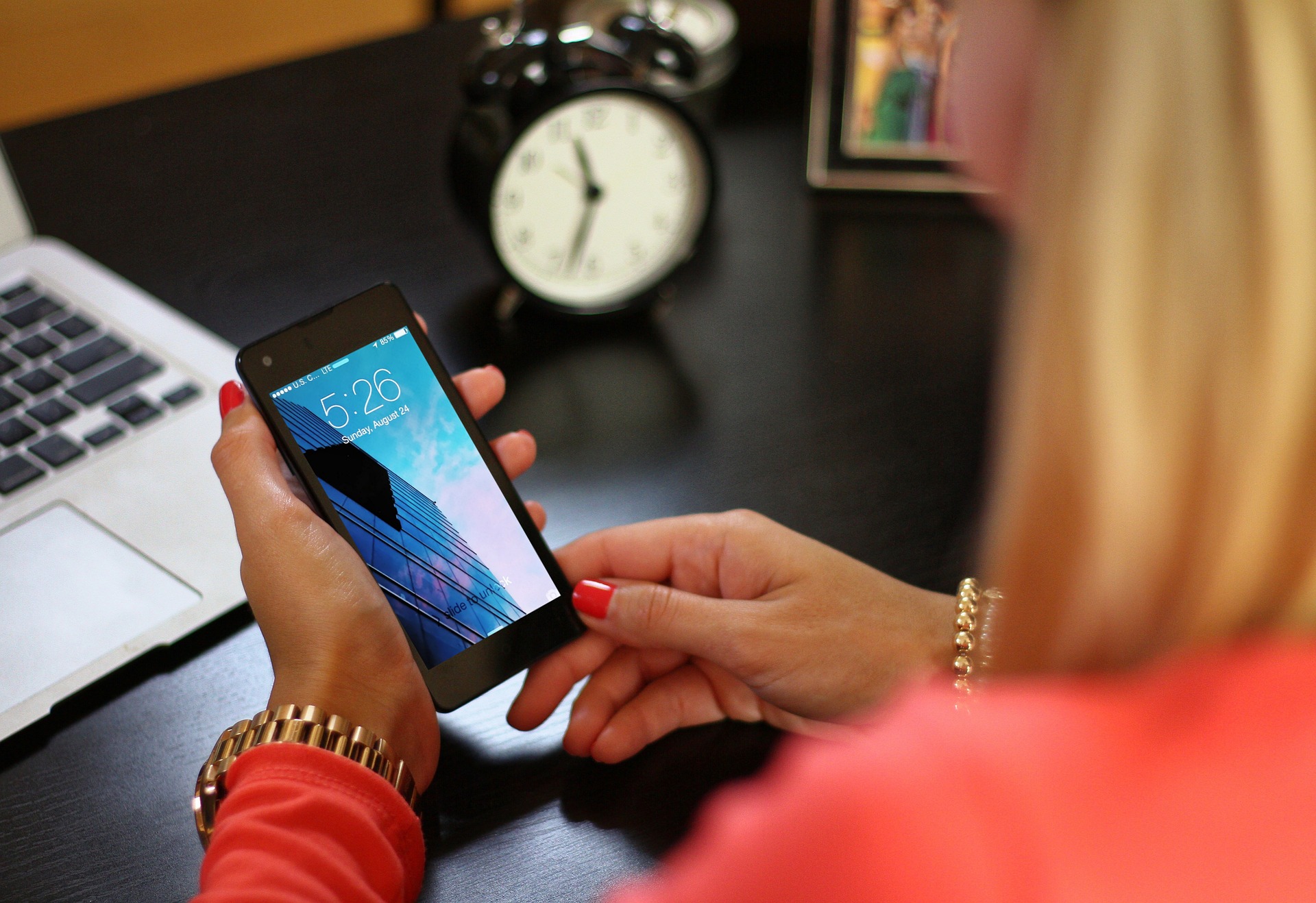
The Hardware: iPhone NFC Is NTAG215 Ready
To answer are NTAG215 tags compatible with iPhone for Amiibo use at the silicon level, we must separate hardware from software. Since the iPhone 7, Apple has included an NFC controller that can read 13.56 MHz ISO 14443 Type A and Type B tags. The NXP NTAG215 is a Type A tag, so the iPhone can physically power it up and read its memory. Modern iPhones from the XS onward also support background tag reading, meaning the phone can detect an NTAG215 sticker without opening any app, as long as the tag contains a valid NDEF message such as a URL.
So the first half of are NTAG215 tags compatible with iPhone for Amiibo use is yes: the radio, the frequency, and the protocol all match. The chip and the phone speak the same language. The problem is never the NTAG215; it is what iOS permits an app to do once the tag is detected.
The Software Wall: What iOS Allows
Apple historically locked NFC writing behind strict rules. Before iOS 13, third-party apps could not write to NFC tags at all. Starting with iOS 13, Core NFC gained the ability to write NDEF messages to tags, but only NDEF-formatted data, and only through a user-initiated session inside an app. Crucially, Apple has never opened a public API that lets an app read or write the raw, non-NDEF memory pages that an Amiibo dump requires. Amiibo data is not a simple NDEF URL; it is a structured binary blob written across the raw pages of the tag, including encrypted character data and a cloned UID.
This is the crux of are NTAG215 tags compatible with iPhone for Amiibo use: the iPhone can read and even NDEF-write an NTAG215, but it cannot, through official Apple APIs, read or write the raw Amiibo binary that Nintendo’s hardware expects. As a result, you cannot simply tap an NTAG215 to your iPhone and have it act as an Amiibo in a Nintendo game.
What Amiibo Actually Require
To fully resolve are NTAG215 tags compatible with iPhone for Amiibo use, you need to know what a console expects. A Nintendo Switch or Wii U reads the tag as a proprietary Nintendo object, not as an NFC Forum tag. It reads the full memory, verifies the encrypted signature, and matches the UID. The NTAG215 is used for Amiibo clones precisely because it has 540 bytes total memory, matching the size Nintendo uses. The tag must carry both the NDEF-free raw data and a correct UID. An iPhone app using Core NFC cannot access that raw layer, so it cannot produce or emulate a console-valid Amiibo.
Can an iPhone Read an Amiibo Tag at All?
If you tap an already-written Amiibo or NTAG215 Amiibo backup to an iPhone, the phone will detect an NFC tag, but it will not understand the Nintendo data. With a generic NFC reader app that supports raw commands, some jailbroken or enterprise-signed apps can read raw pages, but standard App Store apps cannot. So the literal question are NTAG215 tags compatible with iPhone for Amiibo use has a split answer: the iPhone detects the tag, but it cannot use it as an Amiibo in a game, and it cannot write a valid Amiibo to a blank NTAG215 through normal means.
Practical Workarounds That Work
Enthusiasts have developed several approaches to the compatibility problem. Each answers are NTAG215 tags compatible with iPhone for Amiibo use from a different angle.
Workaround 1: Write on Android, Play on Nintendo
The most reliable method is to use an Android phone to write the Amiibo dump onto the NTAG215, then use the tag on the Nintendo console. Android grants far deeper NFC access, and apps such as TagMo (for certain regions and firmware) can write raw Amiibo data to an NTAG215. The iPhone is then irrelevant to the writing step. This sidesteps the iOS limitation entirely. Pros: fully functional Amiibo on genuine NTAG215 tags. Cons: requires borrowing or owning an Android device for the one-time write.
Workaround 2: Use a Dedicated NFC Writer Hardware
A USB NFC encoder such as the ACR122U or a portable PN532-based writer can program NTAG215 tags from a computer, with no phone involved. You load the bin file on a PC and write it to the tag. Pros: precise control, batch writing, no platform restrictions. Cons: upfront hardware cost and a learning curve. This is the approach many small Amiibo vendors use, and it is the most repeatable answer to are NTAG215 tags compatible with iPhone for Amiibo use when you want to ignore the iPhone entirely.
Workaround 3: Jailbroken or Enterprise-Signed Apps
On a jailbroken iPhone, tweaks exist that expose raw NFC writing, theoretically allowing Amiibo writes on-device. This is fragile, depends on iOS version, and risks device security and warranty. Pros: on-device convenience. Cons: legal and stability risks, not recommended for casual users.
Workaround 4: Emulation via a Secondary Device
Some users keep a small emulation device (a microcontroller with an NTAG215 emulation firmware) paired with their phone for managing bins, then tap the emulator to the console. The iPhone here is only a file manager, not the writer. Pros: convenient bin organization. Cons: extra hardware cost.
iPhone as a Management Tool, Not a Writer
A realistic framing of are NTAG215 tags compatible with iPhone for Amiibo use is to use the iPhone for what it is good at: storing and organizing your Amiibo bin files, browsing collections, and ordering tags. You can keep your encrypted bins in cloud storage, catalog them in a notes app, and even generate the data on the iPhone, but you still need an Android phone or a desktop writer to actually flash a blank NTAG215. Treating the iPhone as the librarian and the Android phone or PC as the printer is the cleanest mental model.
Compatibility Comparison Table
The following table summarizes where each device fits in the Amiibo workflow, which helps clarify are NTAG215 tags compatible with iPhone for Amiibo use across the whole ecosystem:
| Device | Can read NTAG215 | Can write NDEF | Can write raw Amiibo | Use in Amiibo flow |
|---|---|---|---|---|
| iPhone (stock iOS) | Yes | Yes (NDEF only) | No | Detection, file management |
| Android phone | Yes | Yes | Yes (with app) | Full write of NTAG215 |
| Nintendo Switch | Yes | No | Yes (native) | Reading Amiibo in game |
| ACR122U PC writer | Yes | Yes | Yes | Batch writing blanks |
| PN532 writer | Yes | Yes | Yes | Low-cost writing |
The table makes the point plainly: the iPhone is compatible with the NTAG215 at the radio level but not at the Amiibo-write level, which is the heart of the original question.
Why Apple Restricts Raw NFC
Understanding the policy behind are NTAG215 tags compatible with iPhone for Amiibo use requires looking at Apple’s incentives. Apple controls NFC access to protect security, prevent fraud, and keep Apple Pay as the primary NFC use case. Exposing raw tag writing would let apps emulate payment cards, transit passes, and proprietary objects, which Apple prefers to gate. Nintendo also guards the Amiibo format as a licensed product. The result is a wall that, fairly or not, means the iPhone is a reader and manager, not an Amiibo writer.
Choosing the Right NTAG215 Tags
Regardless of which device writes them, the tags themselves must be genuine NTAG215 chips with 540 bytes total memory. Counterfeit or wrong-size chips (such as NTAG213 with 180 bytes) cannot hold a full Amiibo dump, and the console will reject them. When sourcing, verify the memory with a reader and buy from a trusted supplier that can confirm the chip reports 540 bytes before you commit to a large batch.
Form Factors for Amiibo Tags
NTAG215 Amiibo tags come as thin stickers, plastic coins, key fobs, and cards. For hiding inside a figurine or a controller grip, a 25 mm round sticker is popular because it is flexible and cheap. For a keychain Amiibo, a coin token is durable. All form factors carry the same 504 bytes of user memory, so the choice is about placement and ruggedness, not capacity. The compatibility question are NTAG215 tags compatible with iPhone for Amiibo use is unaffected by form factor because the chip is identical.
Step-by-Step: Building a Working Amiibo with NTAG215
Here is a reliable end-to-end process that respects the iPhone limitation:
- Obtain a legitimate Amiibo bin file you are licensed to use (for example, a backup of a figure you own).
- Acquire genuine NTAG215 tags and verify their memory with a reader.
- Use an Android phone with a capable app, or a desktop ACR122U writer, to flash the bin onto the NTAG215.
- Test the written tag on your Nintendo console to confirm it registers.
- Store and organize additional bins on your iPhone for future writes.
- Keep the Android phone or writer as your flashing station for any new tags.
This process shows that while are NTAG215 tags compatible with iPhone for Amiibo use is technically limited, the overall project is absolutely achievable with a small cross-platform workflow.
Common Myths
Several myths cloud the discussion of are NTAG215 tags compatible with iPhone for Amiibo use:
- Myth: An iPhone cannot read NTAG215 at all. False; it reads Type A tags fine.
- Myth: A special iPhone app turns NTAG215 into Amiibo. False for stock iOS; no App Store app can write raw Amiibo data.
- Myth: The NTAG216 works better for Amiibo on iPhone. False; Amiibo need 540 bytes, and the 216’s different total size is not a match, plus the iPhone limitation is unchanged.
- Myth: iOS 17 unlocked raw NFC. As of current iOS, Core NFC still restricts raw page writing for Amiibo purposes.
Clearing these myths helps buyers set correct expectations before they order tags.
Security and Legal Considerations
When exploring are NTAG215 tags compatible with iPhone for Amiibo use, stay within the law. Backing up Amiibo you legally own for personal use is a gray area that many enthusiasts practice, but distributing copyrighted bin files is infringement. Use NTAG215 tags for your own backups and for legitimate custom data, not for piracy. Also, never store payment or personal secrets on an NTAG215, because the data is readable by any NFC device in range; the chip’s password only blocks writes, not reads.
Troubleshooting Rejection on Console
If your NTAG215 Amiibo is rejected by the Switch even after a correct write, check these points, which also bear on are NTAG215 tags compatible with iPhone for Amiibo use indirectly because users often mis-test with a phone:
- Confirm the chip is truly NTAG215, not NTAG213, by reading total memory.
- Confirm the UID was written, not left blank, since some consoles validate it.
- Confirm the antenna is intact and not creased if using a sticker.
- Confirm the write completed fully without interruption.
- Test with a dedicated NFC app that shows raw pages, not just NDEF.
Most failures trace to a wrong chip size or an incomplete write, not to the phone you used for management.
Future Outlook on iPhone NFC
Apple has gradually opened NFC with each iOS release, adding passport and key support in some regions. It is conceivable that deeper tag writing becomes available, which would finally make are NTAG215 tags compatible with iPhone for Amiibo use a simple yes. Until then, the cross-platform workflow remains the practical standard. Tracking iOS release notes for Core NFC changes is worthwhile if on-device writing is your goal.
Buying in Bulk for Amiibo Projects
Hobbyists and small shops often need dozens or hundreds of NTAG215 tags. Buying loose blanks in bulk reduces per-unit cost dramatically, but quality variance rises. Inspect a statistical sample, verify memory size, and confirm the antenna read range with a console or writer. A verified supplier relationship prevents the common disaster of receiving NTAG212 or NTAG213 chips labeled as NTAG215. For production-scale assurance, consider a trusted China sourcing partner at https://www.duomy.com to run factory audits and sample validation so your Amiibo project is not built on the wrong silicon.
Comparison With Android and Other Phones
To fully answer are NTAG215 tags compatible with iPhone for Amiibo use, it helps to contrast the iPhone with Android. Most modern Android phones from 2015 onward expose deeper NFC access, and with the right app they can both read and write raw NTAG215 memory, including Amiibo dumps. This is why the community standard writer is an Android device. Older iPhones (6 and earlier) lack NFC entirely and cannot even detect the tag, so the compatibility question does not apply to them at all. The iPhone 7 through XS can read but not background-scan; the XS and later add background reading of NDEF. None of these generations can write raw Amiibo data through official APIs.
Regional App Store and Firmware Nuances
Some Amiibo-writing apps are region-locked or pulled from certain App Stores, which adds another layer to are NTAG215 tags compatible with iPhone for Amiibo use. Even on Android, availability varies by country and Android version, and Nintendo firmware updates can change how consoles validate tags. The safe, durable approach is to treat the writing step as a separate, controlled process using a desktop writer or a known-good Android build, rather than relying on a single phone app that may disappear. Document your flashing procedure so it survives app or OS changes.
Case Study: A Small Game Store’s Amiibo Library
A local game store wanted to loan a demo Amiibo library to customers. They bought 200 genuine NTAG215 coins, wrote backups of figures they owned using an Android phone, and labeled each by character. Customers tapped the coins on store Switch consoles without issue. The owner kept bin files organized in a folder on his iPhone for portability, but always wrote new tags via the Android phone. This practical setup illustrates that are NTAG215 tags compatible with iPhone for Amiibo use is best answered by assigning each device the role it does well: iPhone for catalog and carry, Android or writer for flashing, Nintendo for play.
Long-Term Durability of Written Tags
Once an NTAG215 is correctly written with Amiibo data, the chip retains it for about 10 years per NXP ratings and survives up to 100,000 write cycles, though Amiibo use is read-only from the console’s perspective, so wear is minimal. The more common failure is physical: a creased sticker antenna or a cracked coin. When evaluating are NTAG215 tags compatible with iPhone for Amiibo use over time, remember that the iPhone’s limitation is constant, but the tag’s longevity depends on the form factor you choose and how you handle it.
Frequently Asked Questions
Q1: Are NTAG215 tags compatible with iPhone for Amiibo use out of the box?
At the hardware level yes, the iPhone can read the NTAG215 because it is a Type A tag, but it cannot write or emulate an Amiibo through stock iOS, so it is not compatible as a writer for Amiibo use without another device.
Q2: Can I write an Amiibo to an NTAG215 using only my iPhone?
No. Stock iOS does not expose the raw memory writing that Amiibo require. You need an Android phone with a capable app or a desktop NFC writer such as the ACR122U to flash the bin file.
Q3: Will the iPhone at least detect my Amiibo tag?
Yes. The iPhone will detect the NTAG215 as an NFC tag and may show a notification if it contains an NDEF URL, but it will not recognize or use the Nintendo Amiibo data, which lives in raw pages the iOS API does not read for that purpose.
Q4: Is the NTAG216 a better choice than NTAG215 for iPhone Amiibo use?
No. Amiibo require about 540 bytes total, which matches the NTAG215 exactly. The NTAG216 has more memory but is not the standard size, and the iPhone limitation is identical, so it offers no advantage for Amiibo.
Q5: Can an Android phone do what the iPhone cannot?
Yes. Android grants deeper NFC access, and with the right app it can write raw Amiibo data to a genuine NTAG215, which is why most Amiibo enthusiasts use an Android device or a desktop writer for the flashing step.
Q6: Do I need special tags or will any NFC sticker work?
You need genuine NTAG215 tags with 540 bytes total memory. A smaller NTAG213 cannot hold a full Amiibo dump, and a non-NTAG clone may lack the correct behavior, so verify the chip before buying in bulk.
Q7: Is it legal to make Amiibo backups on NTAG215 tags?
Backing up figures you own for personal use is a common practice in the community, but sharing or downloading copyrighted bin files is infringement. Use the tags for your own legitimate backups and custom data only.
Q8: What is the most reliable way to build working Amiibo with NTAG215?
Use an Android phone or a desktop ACR122U writer to flash a verified NTAG215, test it on your Nintendo console, and use your iPhone only to organize bins and order tags. This cross-platform workflow is the proven answer.
Summary
So, are NTAG215 tags compatible with iPhone for Amiibo use? The NTAG215 chip is fully compatible with the iPhone’s NFC radio and protocol, but stock iOS cannot write or emulate Amiibo data because Apple restricts raw tag access. The practical solution is to write the tags with an Android phone or a desktop NFC writer, then use them on your Nintendo console, keeping the iPhone as a manager for your bin files. Always source genuine NTAG215 chips with 540 bytes of memory, and verify them before bulk orders. For reliable, verified NTAG215 tags at scale, work with a trusted China sourcing partner at https://www.duomy.com.
Tags: ntag215, iphone nfc, amiibo, nfc compatibility, ntag215 amiibo, nfc tags, ios nfc, nintendo, rfid, smart tags
Related Articles

How Do You Brand an NFC Stand for a Chain Store?
How Do You Brand an NFC Stand for a Chain Store? How do you brand an…
Read More
NFC Standee for Bowling Alleys: Share Lane Booking & Events
NFC Standee for Bowling Alleys: Share Lane Booking & Events Running a modern bowling center means…
Read More
Custom NFC Business Cards for Consultants: Build Credibility & Network
Custom NFC Business Cards for Consultants: Build Credibility & Network Custom NFC business cards for consultants…
Read More